3D + AR menus for restaurants
دیکھ کھاؤDekhKhao
What you see is what you get.
Customers can see their food in 3D and augmented reality before they order it.
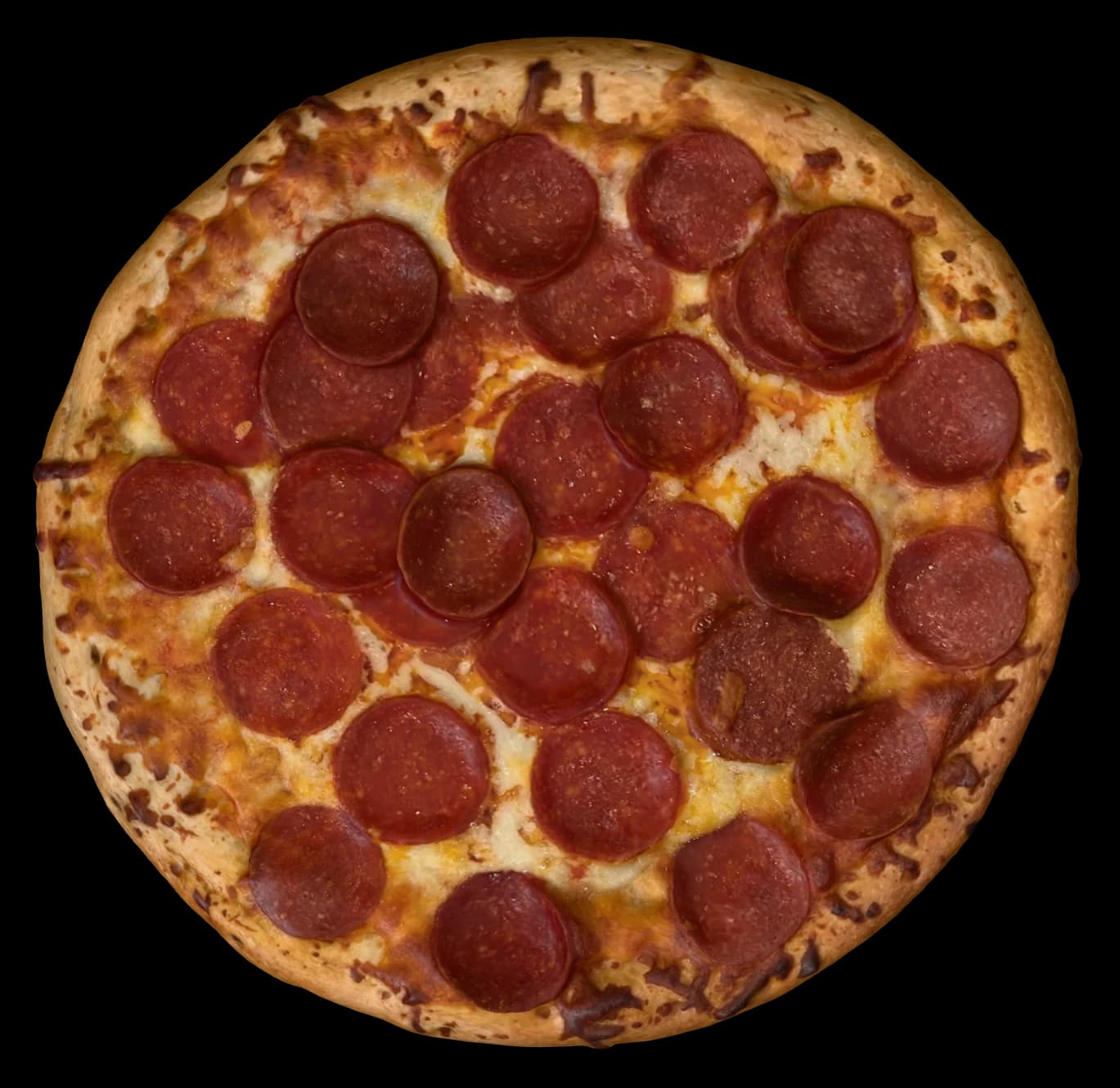
Tap a size to compare.
Illustrative concept — not a live AR demo.
01The problem
Menus describe food. Customers still have to imagine it.
- 01
Size is a number
“12-inch” is precise, and still hard to picture. Is that for one person or three?
- 02
Portions are a guess
A “full” karahi, a “family” platter, a “large” fries — every restaurant means something different.
- 03
New dishes feel risky
Unfamiliar food is easier to skip than to ask about, so customers order what they already know.
- 04
Photos only go so far
A flat, cropped photo shows a dish, not how big it is on the table in front of you.
- 05
QR menus look the same
Most digital menus are a PDF behind a code. Nothing about them says anything about your restaurant.
02The solution
Don’t make customers imagine their food. Let them see it.
Your menu tells customers what the food is. DekhKhao turns that menu into an interactive visual experience — so they can see it, at its real size, before they order.
01 — Menu
It starts as a line of text.
02 — 3D
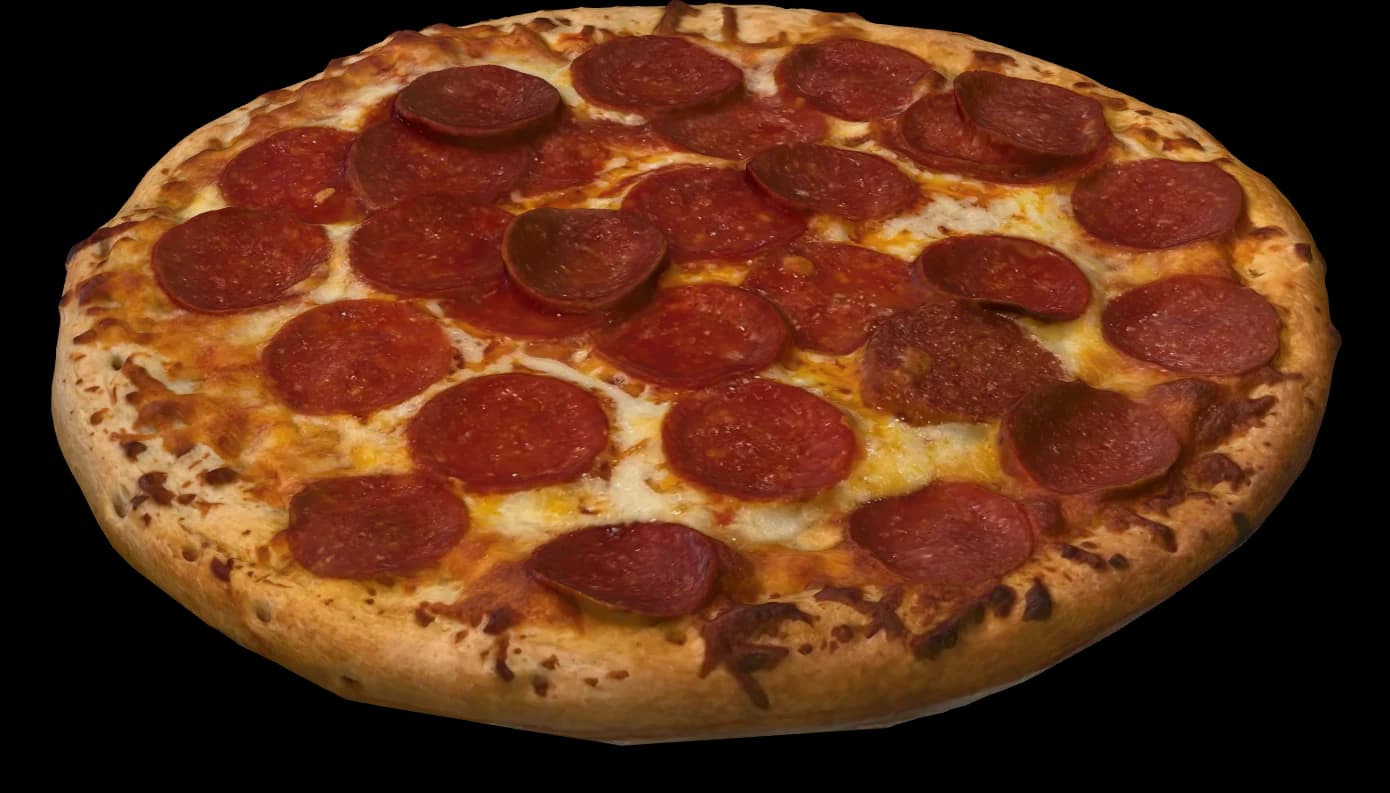
Then it becomes an object.
03 — Real world
Then it’s on the table.
04 — True to size
At exactly its real size.
Pizza
- Pepperoni10 · 12 · 14 inchView in 3D
- Margherita
- Chicken tikka
03How it works
Scan. Choose. See. Place.
Four steps, all on the customer’s own phone, with nothing to install beyond a QR code. Ordering stays exactly as it is — DekhKhao only shows the food.
- Table 7
01Scan
The customer scans the QR code on their table.
Menu
- Pepperoni
- Chicken karahi
- Seekh platter
- Gulab jamun
02Choose
They pick a dish from your digital menu.
3D view
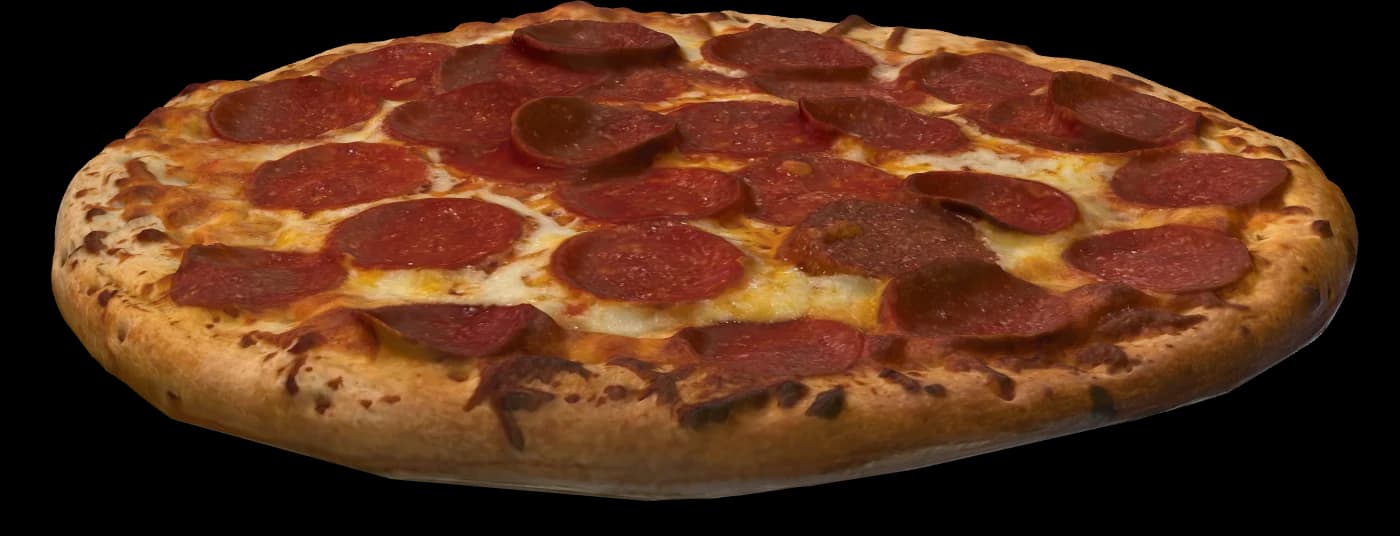
Drag to turn
03See
The dish opens in 3D. They can turn it, get close, look at it from the side.
- AR12 in · actual size
04Place
Through the phone camera, it sits on their actual table — at its real size.
- Surface
- 113 sq in
- vs. a 10-inch
- 1.44×
A 14-inch pizza has almost twice the surface of a 10-inch — obvious once you see it, easy to miss on a menu. One 3D scan, drawn to scale at each menu size.
04Customer experience
See it before you order it.
Understand the size
A 10-inch and a 14-inch pizza stop being numbers and start being objects.
Judge the portion
See whether a platter covers the table or fits beside the chai.
Explore the menu
Turn a dish around. Get close. Look at it from the side.
Try something new
Unfamiliar food is less of a gamble when you can see it first.
Remember the meal
It’s the part of the evening people show their friends.
05The technology
Real food, in real space.
DekhKhao combines 3D food visualization with smartphone augmented reality to bring menu items into the customer’s physical space.
Pepperoni
12 inch
Every dish becomes a 3D model
Each dish is captured as a detailed 3D model and measured, so the model matches the real dish.
The phone finds the table
The camera recognises flat surfaces, so the dish sits on the table instead of floating in the air.
Shown at its real size
Models are fixed to their real-world dimensions. A 12-inch pizza is 12 inches on the table — not “roughly pizza-sized”.
Straight from the QR code
Designed to open in the phone’s browser. Nothing for the customer to download.
06For restaurants
Give your menu something worth looking at.
For owners, general managers and marketing teams who want their food to be understood before it reaches the table.
- 1
Make the menu visual
Customers understand dishes beyond a line of text and a static photo.
- 2
Reduce uncertainty
Customers can answer “how big is it?” for themselves, and know what they’re ordering.
- 3
Showcase your food
Give signature dishes the presentation they deserve — at their real size, from every angle.
- 4
Stand out
Offer something beyond a conventional QR menu — a menu worth talking about.
- 5
Build a digital food library
Each dish gets its own reusable 3D representation — ready for the menu, your socials, and whatever comes next.
07Made in Pakistan
Built here. Made for the way we eat.
DekhKhao is a Pakistani technology product from Portive Technologies. It’s designed around our menus — where a karahi is ordered for the whole table, platters arrive for the family, and one restaurant’s “full” is another’s “half”.
08FAQ
Questions, answered.
What is DekhKhao?
DekhKhao turns your restaurant’s menu into something customers can see. They scan a QR code, choose a dish, and view it in 3D — or placed on their own table through their phone camera — before they order.
Do customers need to download an app?
No. The experience is designed to run in the phone’s web browser, straight from the QR code. We’re testing across a wide range of phones, and we’ll confirm device support with you before launch.
Does it work with existing restaurant menus?
DekhKhao is built to sit alongside the menu you already have — your dishes, names and sizes stay the same, and we add the visual layer. How it connects to your current setup is something we work out with each restaurant.
Can customers order through DekhKhao?
No. DekhKhao only shows the food. Your ordering stays exactly as it is — waiters, counter, your own app or delivery partners. We add the visual layer that helps customers decide.
What food can be visualized?
Potentially any menu item that can be represented well in 3D — pizzas, burgers, karahi, biryani, platters, desserts and drinks. We’ll help you decide which dishes benefit most.
Can customers see the actual size?
Yes — that’s the whole point. Every dish is modelled to its real, measured dimensions, so a 12-inch pizza appears as a 12-inch pizza on the customer’s table, and a 10-inch looks like a 10-inch next to it. Phone cameras need good light and a clear surface to place things accurately, and we check every model against the real dish before it goes live.
How does a restaurant get started?
Send us a message. We’ll talk through your menu, pick the first dishes to bring to life, and show you what it looks like for your restaurant.
09Talk to us
Ready to let your customers see before they order?
Tell us about your restaurant. We’ll talk through your menu and show you what DekhKhao could look like for your dishes.
Or call / message +92 335 3989333
Bring DekhKhao to your restaurant
A few details, and we’ll pick it up on WhatsApp.